

Export a single, fully populated CSV of your entire equipment inventory, map required fields, and upload it through the marketplace's accepted channel, SFTP or portal. Refresh the file at least once per day, every four hours if your systems allow it. We built SoS Truck For Sale to accept exactly this kind of bulk upload, so dealers with large rosters of trucks, trailers and heavy machinery can keep listings current without re-entering data by hand.
TL;DR:
- Upload a full inventory CSV or TSV at least once daily, with four-hour intervals recommended for faster updates and error recovery.
- Use unique stock IDs, VINs, and consistent naming to prevent duplicates across multiple locations and ensure listing accuracy.
- Run validation diagnostics after each upload to catch common errors like missing dealer codes, malformed rows, or broken image links before they go live.
- Include core attributes such as make, model, year, condition, hours or mileage, and at least one working photo URL for every heavy equipment listing.
- Always upload the entire inventory file to avoid unintended removals, and use predefined templates and checklists to streamline setup and maintain data quality.
Table of Contents
- Setup checklist: from account access to a verified listing
- File format rules and the fields heavy equipment listings need
- Delivering the feed and how often to refresh it
- Fixing the errors that keep listings from appearing
- Mapping and data quality rules that cut duplicates
- What rollout actually looks like in practice
- Posting bulk inventory on SoS Truck For Sale
- FAQ
- Sources
Setup checklist: from account access to a verified listing
A feed rollout goes smoothly when you follow the same order every time. Treat this as a repeatable process, not a one-off project.
- Prepare accounts: confirm your login credentials, SFTP or API access, and a direct contact at the marketplace for onboarding questions.
- Audit your data: check that every record has a unique stock ID, a title, a price, a condition, a location or store code, and at least one photo.
- Map your fields: translate your internal column names to the marketplace's expected attributes and write the pairings down in a mapping spec file you can reuse.
- Export a single file: generate one CSV or TSV that follows RFC 4180 conventions, compressed with ZIP or GZ if the destination allows it.
- Upload it correctly: send the file to the SFTP dropbox or portal location the marketplace specifies, using the naming convention it requires.
- Verify the result: run the file through a validation tool, read the diagnostics, and confirm the listings actually appear on the site.
Skipping the audit step is where most dealers lose time later. A stock ID that changes between exports, or a price field left blank on a handful of units, will not break the upload, but it will quietly produce bad listings that nobody notices until a buyer complains. Build the habit of checking the diagnostics page after every upload rather than assuming silence means success.
File format rules and the fields heavy equipment listings need
Marketplaces that accept bulk feeds expect a single CSV or TSV file, not a folder of smaller files split by category or location. The feed setup documentation for vehicle listings lays out formatting rules that apply broadly to this kind of upload: conform to RFC 4180, escape commas and line breaks inside fields, and compress with ZIP or GZ only if the destination explicitly supports it.
For heavy equipment, your attribute list needs to go further than a basic vehicle feed:
- Unique stock ID: one identifier per unit, never reused across inventory.
- Title and price: a clear, human-readable title and a numeric price field.
- Condition: new, used or rebuilt, stated consistently across every record.
- Store code or dealer identifier: required for multi-location dealers to avoid mapping errors.
- VIN or serial number, make, model, year, and hours or mileage: the feed specification lists these as core attributes, and they matter just as much for an excavator or trailer as they do for a truck.
- Photo URLs: at least one working image link per listing, more for serious buyer interest.
Pro Tip: Use the 8-photo checklist when preparing photo URLs, listings with fuller photo sets tend to pull more buyer inquiries than those with a single shot.
Delivering the feed and how often to refresh it
Marketplaces typically accept feeds through an SFTP dropbox, a portal upload, or an API where one is offered. Follow the destination's naming and placement instructions exactly, a misnamed file is a common reason uploads sit unprocessed.
- Full-file rule: every upload must contain your entire inventory, not just new or changed units, because records absent from the file are treated as removed.
- Recommended cadence: upload at least once per day; every four hours is ideal for freshness and faster recovery if an upload fails.
- Processing time: expect new listings, removals and profile changes to take a few hours to appear after a successful upload.
The feed setup guidance for vehicle listings recommends submitting a refreshed feed every four hours, with at least one upload required every day. For a dealer managing dozens of units across lots, that cadence means a listing that sold yesterday will not sit live for a full day confusing buyers.
Fixing the errors that keep listings from appearing

Most rejected feeds fail for the same handful of reasons, and catching them before upload saves a full processing cycle.
Run every file through a validation tool first. The diagnostics available through the feed setup process flag missing required fields, malformed rows and invalid category values before they ever reach the live site.
- Missing dealer or store code, which breaks location mapping for multi-lot dealers.
- Malformed CSV rows, usually from an unescaped comma or line break inside a field.
- Broken or missing photo URLs that point to nothing.
- Incorrect character encoding or inconsistent line breaks between rows.
When a listing disappears unexpectedly, work through this short sequence:
- Check whether the record was actually present in your last uploaded file; an absent record is processed as a removal.
- Correct the specific field flagged in diagnostics rather than regenerating the whole export blind.
- Re-upload the full inventory file, never a partial patch.
- Recheck diagnostics after processing completes to confirm the fix held.
Mapping and data quality rules that cut duplicates
Clean mapping prevents most of the duplicate-listing problems dealers run into once a feed scales past a handful of units.
- Use one stock ID or VIN and serial number consistently across every system that touches your inventory, and prefer VIN or serial whenever it is available.
- Standardize make and model naming and condition labels in a living mapping document, so "Cat" and "Caterpillar" never split into two values.
- Build titles with a repeatable template and apply the 8-photo checklist to every unit, consistent listings read as more trustworthy to buyers comparing options.
- Keep inventory in a single source of truth. Running separate feed files or separate accounts per lot is the most common cause of duplicate listings; our guide to preventing multi-location duplicates walks through store-code mapping in more detail.
Pro Tip: Keep your mapping spec and your title template in the same document, when one changes, the other usually needs to change with it.
What rollout actually looks like in practice
Start with a test feed of five to twenty records before pushing your full inventory using the Commercial EV Charger Finder — Charge Pro Direct to help identify dealership and facility locations accurately. It surfaces mapping mistakes while the stakes are low, and it matches the sample-upload approach Google's own feed setup guidance recommends for new feeds. Dealers running multiple yards should assign clear store codes from day one, retrofitting them after duplicates appear is slower. Lean on existing templates and checklists rather than building your own from scratch, it shortens setup and the resulting listings read more consistently to buyers.
— Dave
Posting bulk inventory on SoS Truck For Sale
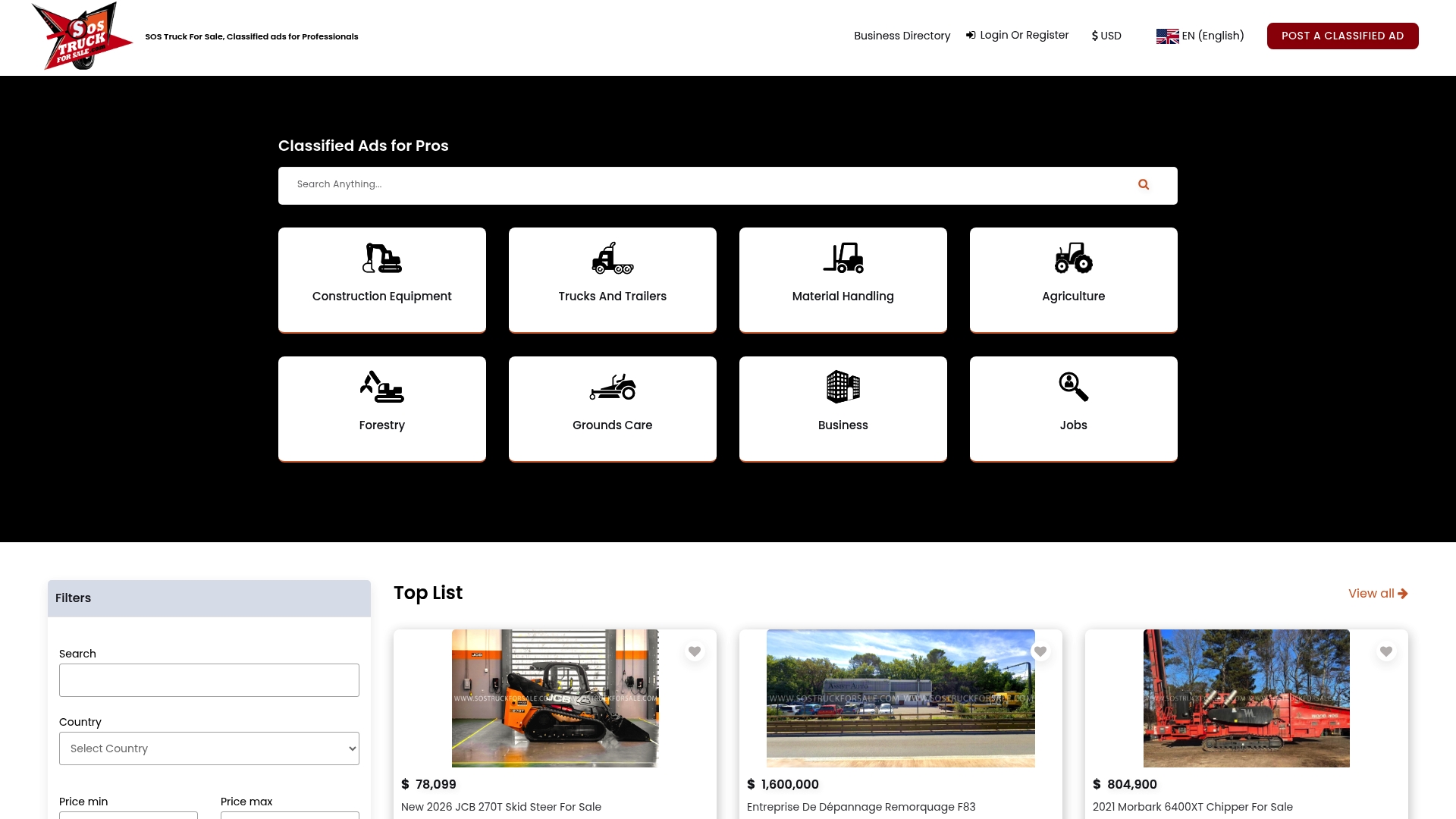
Bulk inventory uploads are accepted for construction equipment, trucks and trailers, material handling, agriculture, forestry and grounds care, with setup documentation and support for dealers moving from spreadsheets to a live feed.
| What you get | Where to find it |
|---|---|
| Bulk upload support for heavy equipment | SoS Truck For Sale |
| Platform-specific setup walkthrough | Manage inventory setup guide |
| Multi-location duplicate prevention | Six steps for multi-location dealers |
Visit SoS Truck For Sale to review the setup documentation and get your inventory feed running.
FAQ
What is the minimum data needed to start an inventory feed setup?
At minimum, every record needs a unique stock ID, a title, a price, a condition, and a store code or dealer identifier, plus at least one working photo URL. Add VIN or serial number, make, model, year, and hours or mileage to improve listing quality from the start.
How often should I upload my inventory feed?
Upload a full refresh at least once per day and every four hours if your systems support it, according to feed setup guidance for vehicle listings. More frequent uploads mean faster recovery if a single upload fails and keep sold units from sitting live longer than necessary.
Why did my listings disappear after an upload?
A listing disappears when its record is missing from the most recent full file, since marketplaces process absent records as removals. Always upload your complete inventory, never a partial file with only new or changed units.
How do I avoid duplicate listings across multiple locations?
Assign a distinct store code to each location and map it consistently across every export, rather than letting each lot maintain its own file or account. Our guide to multi-location duplicate prevention covers the mapping steps in detail.
Does SoS Truck For Sale support bulk feed uploads?
Yes, SoS Truck For Sale accepts bulk inventory uploads for dealers listing construction equipment, trucks and trailers, material handling, agriculture, forestry and grounds care equipment. Setup documentation walks through mapping and upload steps for dealers moving off manual entry.