

A watermark on a listing photo works best as a light ownership mark, not a lock. Put a semi-transparent logo or dealer name in a corner or tiled across the frame, keep it away from the serial plate, hours meter and damage areas, and export the marked copies while your clean originals stay in a separate folder. That discourages casual copying and keeps your name on the ad. It will not stop a determined thief, so pair it with copyright registration for your best photos.
This guide covers where to place the mark, how strong to make it, how to apply it to a whole inventory at once, and what the law adds on top.
TL;DR
- A visible watermark identifies you as the photo owner while leaving the machine fully viewable. It deters casual reuse, but automated tools can strip consistent, semi-transparent marks.
- Use a corner placement with a 3–5% edge margin, or tile the mark, at 30%–60% opacity, so buyers can still read plates, tires and wear.
- Batch-edit the whole listing set with one saved design, and keep unmarked originals in their own folder.
- In the U.S., copyright in a photo is automatic, but registration is what lets you sue and claim statutory damages.
Table of Contents
- What a watermark on a listing photo actually does
- Why equipment photos need a lighter touch than other photography
- Where to place the watermark and how strong to make it
- How to watermark photos in batches
- Keep your originals separate
- What U.S. copyright adds
- Perspective: how we see watermarks on equipment listings
- Put marked photos to work on a live listing
- Common watermark mistakes on heavy equipment listings
- A simple setup for a dealer yard
- FAQ
- Sources
What a watermark on a listing photo actually does
A visible watermark is a logo or pattern laid over a digital image. Google Research describes it as a way to identify the image owner while the underlying picture stays viewable, and notes it is common on online photographs and stock images.
For a dealer, that translates into three practical jobs:
- Attribution. When a photo of your 2019 tri-axle dump truck shows up on another site, your name travels with it.
- Friction. A reseller who wants to pass your unit off as theirs has to do extra work to remove the mark.
- Brand recall. Buyers who scroll through hundreds of listings start to recognize your inventory.
There is a limit. The same Google Research work found that algorithms can automatically remove a consistent semi-transparent watermark across a collection of images, and that random placement or small random changes in opacity did not prevent removal. In plain terms: if the same mark sits in the same spot on every photo, software can learn it and erase it. A watermark raises the effort. It does not make copying impossible.
That shapes how heavy the mark should be. If it can be removed by a determined party anyway, there is no reason to make it so large that honest buyers cannot inspect the machine.
Why equipment photos need a lighter touch than other photography
A buyer of a used excavator or sleeper tractor is not admiring the picture. They are inspecting the unit from a distance: undercarriage wear, hydraulic cylinder condition, tire tread, cab interior, odometer or hour meter, and the data plate. A heavy mark across the middle of the frame hides exactly what the buyer needs, and a buyer who cannot see the details moves on to the next listing.
The photos that matter most for inspection are the ones in our guide on truck listing photos that sell, and for excavators the 15–20 photo set. Treat the following as no-watermark zones inside those frames:
- Serial number and VIN plates
- Hour meter and odometer close-ups
- Tire sidewalls and tread
- Cracks, dents, leaks, rust or repairs you disclose
- Attachment couplers, boom pins and bucket teeth
A mark that covers these areas looks like concealment, even when it is not.
Where to place the watermark and how strong to make it
There are two workable approaches.
Corner mark
Place the logo in a corner, inset from the edge by about 3–5% of the image width, according to this watermarking comparison. A corner mark is unobtrusive and keeps the machine clear. Its weakness is that it can be cropped out. Choose the corner by looking at the photo: a lower-right corner over gravel or ground is better than one over a decal or a data plate.
Tiled mark
A tiled mark repeats a small logo or text across the whole frame. The same guide notes that tiled marks cannot be cropped without destroying the photo. For a high-value unit, or for exterior photos shot against a plain sky or yard, tiling gives more protection. The cost is more visual noise, so keep each tile small and faint.

Opacity
The guide suggests 30%–60% opacity. For equipment, start at the lower end for tiled marks and the middle for a single corner mark. Zoom in to 100% on a representative photo and check that a hydraulic hose label or a tire code is still legible.
Design choices
| Choice | Recommended for listings | Why |
|---|---|---|
| Text or logo | Logo plus dealership name or website | Easy to recognize, easy to trace |
| Color | White or light gray with a thin shadow or outline | Stays readable on yellow, orange and dark steel |
| Size | Small enough to stay in the corner margin | Keeps the unit visible |
| Opacity | 30%–60% | Visible without covering details |
| Position | Corner, avoiding plates and meters; or tiled | Protects inspection detail |
| Consistency | Same design on every unit | Builds recognition across inventory |
One caution from the research above: a mark in the same place on every photo is also the easiest kind to remove automatically. If your inventory is high value, consider varying the corner between units, and rely on registration and clean originals for real protection.
How to watermark photos in batches
A dealer with 80 units and 20 photos each cannot mark 1,600 images by hand. The workflow is the same in most editors:
- Add the whole listing set, or a batch of photos.
- Choose a text or logo watermark.
- Set typeface, size, color, opacity, rotation and position.
- Preview a few representative photos, including a tight close-up and a wide yard shot.
- Export the marked copies.
The PixWrench batch tool documents this flow, and one setting applies proportionally to every image in the batch, which matters when your photos come in different sizes from a phone, a DSLR and a manufacturer feed. For larger jobs, Watermark.ws states that its Premium and Ultimate plans can apply one design to up to 5,000 photos in a single edit. Check each provider's current plan details before you subscribe.
If your team already uses Lightroom, Photoshop or a command-line tool, the logic is identical: one saved design, one export. Whatever you choose, preview before you export. A logo sized well on a landscape shot of a dozer can swallow a portrait-oriented photo of a cab interior.
Check the preview like a buyer
Before you upload, open three photos at the size they will appear in the ad:
- The wide exterior: is the mark visible but not dominant?
- The engine bay or undercarriage: is any wear or leak hidden?
- The plate or meter close-up: if the mark is on it, re-export without one.
Keep your originals separate
Never overwrite the source photo. Keep a folder of untouched originals and write marked copies to a second folder, for example originals/ and processed/. That way you can re-export when you update your logo, supply a clean image to a buyer who asks, or produce a version for a platform that applies its own branding. This also gives you the best evidence of authorship if a dispute comes up, because the full-resolution file with its original metadata sits in one place. A well-organized archive works the same way a construction photo gallery does for a contractor: one master record, many presentations.
For dealers uploading in volume, the same discipline applies to serial numbers and image files. Our piece on how to protect serials and photos in bulk uploads explains how to handle that, and the guide to inventory feed setup shows where marked images fit into a feed.
What U.S. copyright adds
A watermark is a visual deterrent. Copyright is the legal right behind it. In the United States, according to the U.S. Copyright Office, protection is automatic for any work of authorship fixed in a tangible medium, including a computer file, and registration is optional. Registration, however, is still a requirement for filing suit in a U.S. District Court and a condition for collecting statutory damages and attorney's fees.
For a dealer, that means:
- The photographer owns the photo, unless there is a written agreement saying otherwise. If an outside photographer shoots your yard, settle ownership or licensing in writing.
- If your inventory photos are valuable enough that copying would cost you money, registering them is what gives you real remedies. Talk with an intellectual property attorney about how to register a group of photos and what it costs, and check the Copyright Office's current fee schedule.
- Stripping your mark can itself be a problem. The Copyright Office explains that Copyright Act section 1202 makes it unlawful to provide or distribute false copyright-management information with intent to induce or conceal infringement. Copyright-management information can include the owner's name and terms for use, which is why putting your business name and a short usage line in the image or its metadata is worth the few seconds.
This is general information, not legal advice. If someone is using your photos to sell units they do not own, send the details to an attorney before you send a demand letter.
Perspective: how we see watermarks on equipment listings
We run a marketplace where dealers and private sellers post commercial vehicles and industrial equipment across categories from trucks and trailers to construction, material handling, agriculture, forestry and grounds care. We see the same pattern in good listings: the machine is the point. Clear photos, a readable plate, honest condition shots, and a small, steady brand mark that does not get in the way.

Our advice is to treat the watermark as a signature, not a fence. Sign the photo so buyers know who is selling the unit, then spend your real effort on things a watermark cannot do: complete listing fields, accurate specs, a consistent photo order, and a clean archive of originals. Buyers trust a dealer whose photos are plain, complete and consistent far more than one whose pictures are covered in logos. And if a photo matters enough to protect legally, register it.
We would rather a buyer see every weld, tire and gauge than admire a large banner. A mark that stays in the corner does both jobs.
— Dave
Put marked photos to work on a live listing
Once your photos are marked and exported, the listing fields do the selling. Use a consistent photo order, as laid out in our equipment listing template with an 8-photo checklist, and fix the fields dealers commonly overlook using our guide to optimizing an equipment listing. Pick the right category up front with the help of how to choose an equipment category, so serious buyers find the unit.
Sostruckforsale is a classified marketplace built for commercial and industrial equipment: semi trucks and trailers, construction equipment, material handling, agriculture, forestry and grounds care, with dealer registration for businesses that list regularly. If your photos are ready, post your equipment on Sostruckforsale and reach buyers browsing by category, price and country.
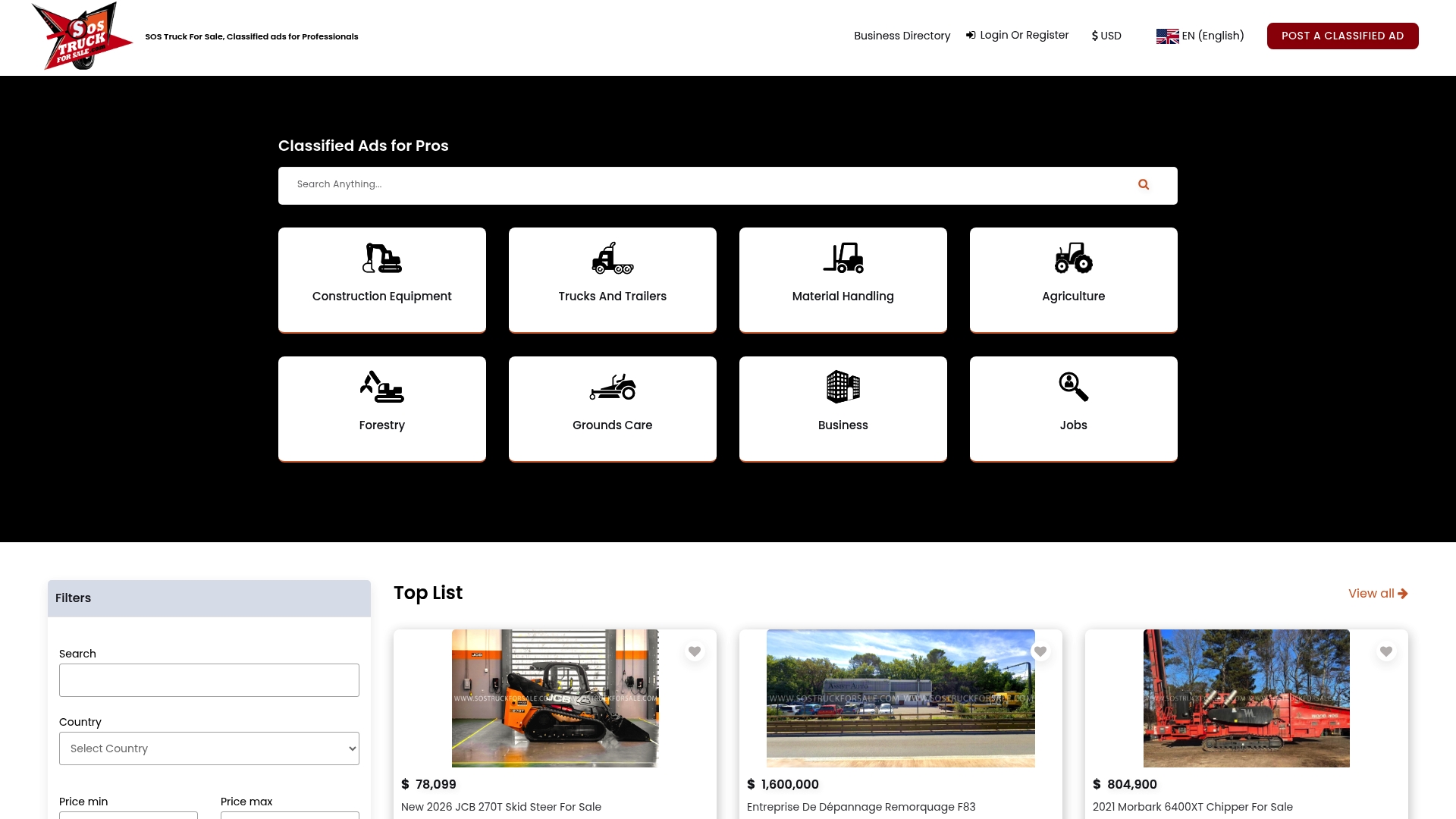
Browse the categories first if you want to see how other sellers present their units before you set your own watermark style.
Common watermark mistakes on heavy equipment listings
- Covering the data plate. Buyers verify serials and model numbers. Hide nothing they are entitled to check.
- A huge center banner. It reads as a stock photo and hides wear.
- Black text on dark steel. Use light color with an outline or shadow so the mark survives on any background.
- Different marks on every unit. Inconsistency makes your inventory look like several sellers.
- Marking the only copy. Without clean originals you cannot re-export, license or prove authorship.
- Using a watermark to hide a poor photo. A blurry, dim image with a logo is still a poor listing. Reshoot it.
- Ignoring pricing context. Photos get buyers in, but the price decides. See our heavy equipment pricing guide and the list of common semi truck resale mistakes.
A simple setup for a dealer yard
Here is a repeatable routine for a dealership adding a few units a week.
- Shoot each unit with the same shot list, wide exterior first and plates and meters last.
- Save every file into
originals/under a folder named by stock number. - Select the exterior and interior shots that need a mark. Skip the plate and meter close-ups, or mark them only in a far corner.
- Apply your saved design in a batch editor, with a 3–5% margin and 30%–60% opacity.
- Spot check three photos at ad size.
- Export to
processed/and upload from that folder only. - Add your business name and a short usage line to the file's copyright metadata.
- For top-value units, register the best photos with the Copyright Office.
Following the same eight steps every time means any staff member can run the process and the results look the same across your inventory.
FAQ
Does a watermark stop people from stealing my equipment photos?
No. It discourages casual reuse and keeps your name on the image, but research from Google shows that software can remove consistent semi-transparent marks across many images. Treat it as attribution, and use registered copyright and clean originals as your real protection.
Should I watermark photos of the VIN, serial plate or hour meter?
No. Buyers need to read those details to verify the unit. Keep the mark off them, or leave those close-ups unmarked and rely on the watermark on your exterior shots.
How transparent should the watermark be?
A range of 30%–60% opacity is a common recommendation, with a small corner mark inset 3–5% from the edge. Check the result at the size buyers will see in the ad, and lower the opacity if any text or wear becomes hard to read.
Do I need to register my photos to own them?
In the U.S., copyright is automatic once the photo is fixed in a file, but registration is required before you can file suit in a U.S. District Court and for statutory damages and attorney's fees. An intellectual property attorney can tell you whether registering your inventory photos makes sense.
Can I watermark dozens of photos at once?
Yes. Batch editors let you choose one text or logo design and apply it proportionally to every image, then export all the marked files. Preview a few photos first, since one setting may sit differently on portrait and landscape shots.
Sources
- Making Visible Watermarks More Effective, Google Research
- Add a Watermark to Photos in a Batch, PixWrench
- Batch Watermark Photos, Watermark.ws
- How to Watermark Photos: Every Method Compared, ImageGuide
- Orphan Works, U.S. Copyright Office
- The Digital Millennium Copyright Act, U.S. Copyright Office
- What is a construction gallery?